
Guides
Walkthroughs for Burger Shift: Team Rush: first hour, controls, grill timing, stations, Drive-Thru, staff, and co-op.
View all GuidesCo-op kitchen guides for stations, drive-thru, employees, and roles.
Cook burgers under pressure solo or with eight friends. Station, drive-thru, employee, and co-op guides for every shift.
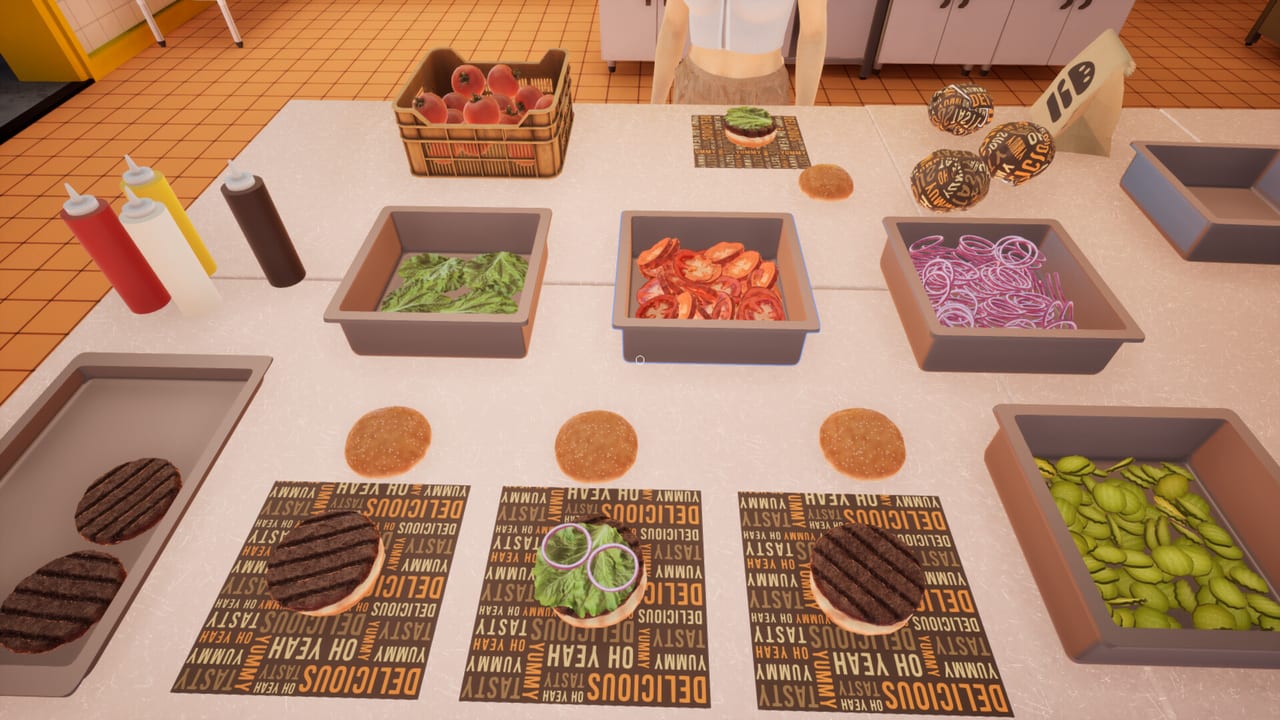
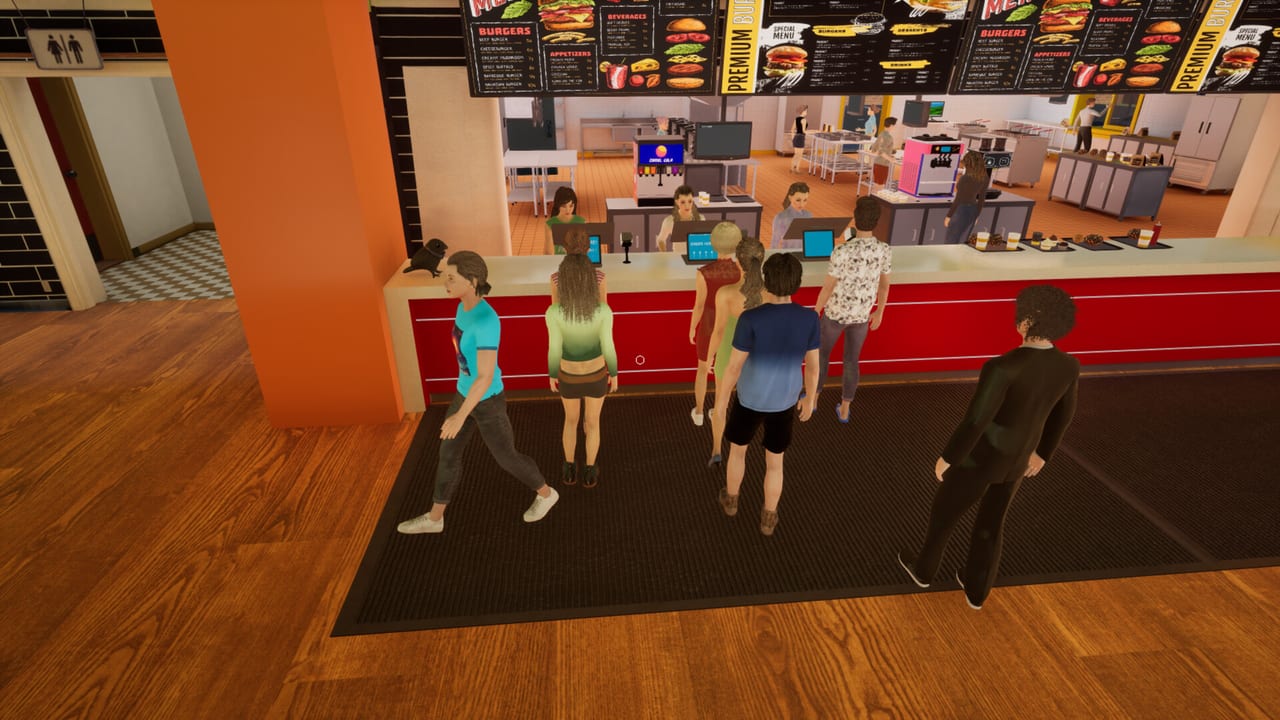
Burger Shift: Team Rush is a first-person co-op cooking sim from Nova Telum Studio. You run a fast-food kitchen solo or with up to eight friends: take tickets, flip patties, pour drinks, and keep impatient customers from walking out. Start with the getting started guide, then learn how to cook burgers, split kitchen stations, and staff the drive-thru. Crews that want a plan should open the role tier list and the shift planner.
Walkthroughs for Burger Shift: Team Rush: first hour, controls, grill timing, stations, Drive-Thru, staff, and co-op.
View all GuidesOpinionated S–C rankings for Burger Shift stations and upgrades, scored by real-shift impact rather than official meta.
View all Tier ListCrew overview for Burger Shift: Team Rush: human seats, NPC employees, callouts, and looks before you host a shift.
View all CrewEarly Access notes, Prologue Burger Flow and Dumpster Duty patches, and the kitchen systems added from 11 Sep 2026.
View all UpdatesShift planner tables for one to eight players plus a recipe checklist for burgers, drinks, fryer sides, and ice cream.
View all ToolsOfficial Steam pages, Discord, socials, and support email for Burger Shift: Team Rush, plus this unofficial wiki's main hubs.
View all LinksOpen Steam, start Burger Shift: Team Rush, and host a session or join through the in-game lobby. Voice and text chat are built in. Read how co-op works before you fill eight seats.
Place a patty on the flat top, flip around 85–90% doneness, and cook both sides to 100%. The burger cooking guide covers wrap, unwrap, and inspection.
Assign grill, assembly, drinks, and front of house instead of everyone chasing the same ticket. Use the kitchen stations map and the role tier list.
Side-screen alerts name the customer, table, and time left. Pick Trainee, Supervisor, or Manager on purpose — see the difficulty guide. Pair this with employee help when you play short-handed.
Spend shift cash on kitchen gear, staff, recipes, and trinkets. The upgrade tier list ranks what to buy first on Trainee, Supervisor, and Manager.
Quick answers to the most common kitchen questions.
Read the getting started guide, then controls and how to cook burgers. Solo players should stay on Trainee until the line feels automatic.
No. It is a Steam PC game by Nova Telum Studio. Play it on Windows through the official store page. A free Prologue still exists as a separate app.
One to eight. You can run a shift alone, hire NPC employees in the full Early Access build, or fill seats with friends over online or LAN co-op. See the co-op guide.
This wiki supports: English, Français, Deutsch, Español. Configure locales in site.meta.json and run npm run generate:i18n.
Yes. Early Access adds the drive-thru, fryer and ice cream stations, hireable employees, and longer progression. Details live on the full game notes page.
Nova Telum Studio has not published redeemable item codes for this Steam title. Use the official links page for Discord and store news instead of hunting fake code lists.
Official text is adjustable difficulty, not a mute. Trainee doubles patience. Order stock from the market computer before you raise the setting.
Open the getting started guide for your first hour, then use the co-op roles guide and the shift planner before you host a full lobby.
Start with the beginner guide